
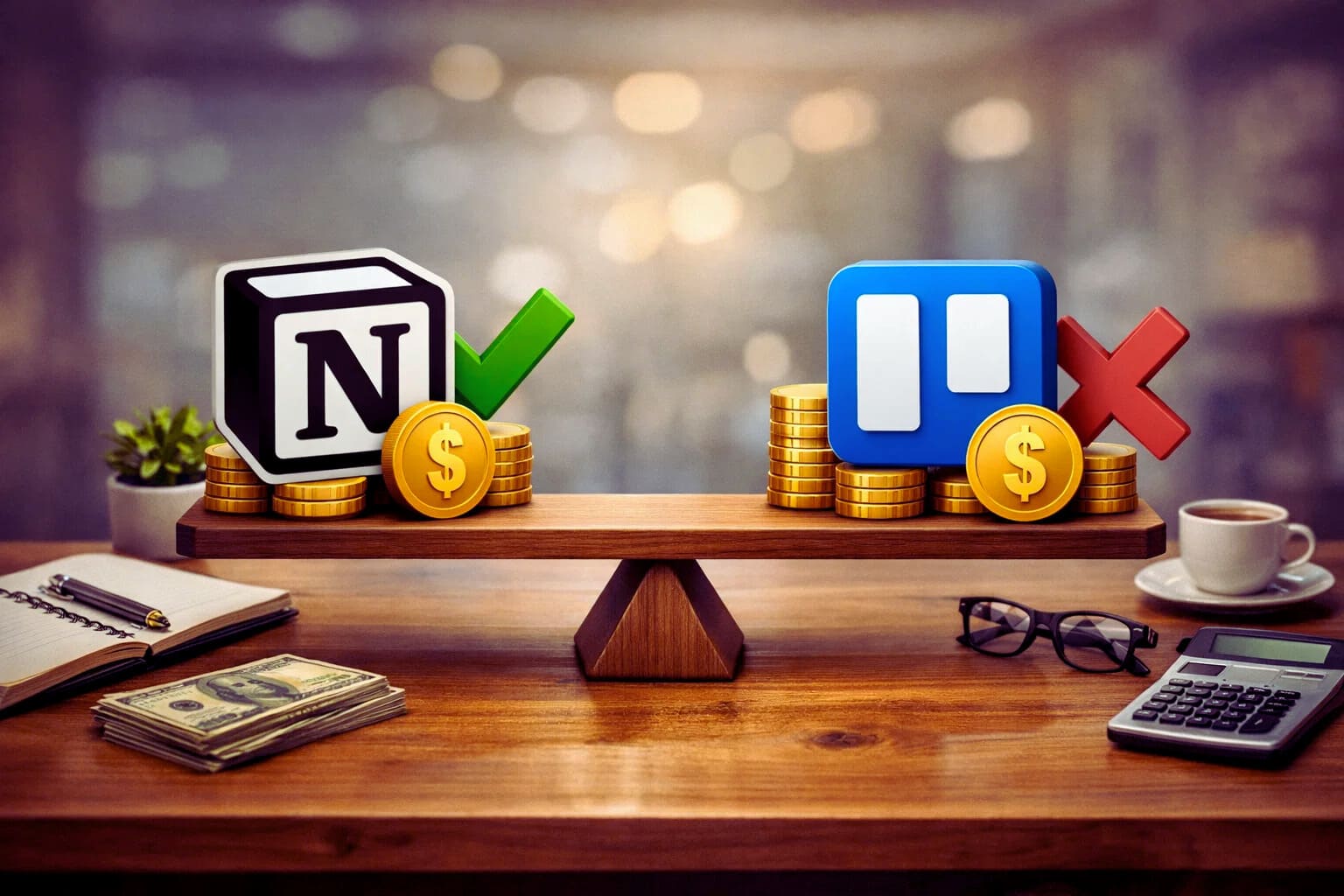
There is a moment most solo-entrepreneurs know well. You are deep into a free trial, your workflow is finally starting to feel organized, and then you hit a wall. A feature you actually need is locked behind a paywall. You open the pricing page, squint at the tiers, and start doing mental math about whether this is worth it.
It is a frustrating experience. And with tools like Notion and Trello, where the free plans are genuinely functional, the jump to a paid plan raises real questions. What exactly are you paying for? Is it worth it at your stage of business? And which platform gives a solo-entrepreneur better value over time?
Those are the questions this page is built to answer.
Trello pricing: what you get at each tier
Trello’s pricing structure is straightforward, which is consistent with the tool’s overall philosophy of keeping things simple.
The free plan is surprisingly capable. You get unlimited cards, unlimited members, and up to ten boards per workspace. For a solo-entrepreneur just getting started, ten boards is usually more than enough. You also get basic Power-Ups, which are Trello’s version of integrations and add-on features, with one Power-Up per board on the free tier.
The Standard plan sits at around five dollars per user per month when billed annually. It unlocks unlimited boards, unlimited Power-Ups, custom fields, and advanced checklist features. For most solo-entrepreneurs this is the tier where Trello starts to feel complete.
The Premium plan runs around ten dollars per user per month and adds views like timeline, calendar, table, and dashboard. It also includes more automation options through Trello’s built-in Butler tool. If you manage multiple complex projects and want different ways to visualize your work, Premium is where those options live.
For a one-person business, the math is simple. You are always paying the per-user rate alone, so there are no team discounts to factor in. The question is whether the features at Standard or Premium actually change how you work, or whether the free plan covers ninety percent of what you need.
Notion pricing: what you get at each tier
Notion’s pricing is slightly more layered, partly because the tool itself does more things.
The free plan gives individual users access to almost everything Notion offers. Pages, databases, integrations, templates — all of it is available. The main limitation on the free plan used to be a block limit, but Notion removed that cap for individual users, which was a significant move. For a solo-entrepreneur working alone, the free plan is now genuinely robust.
The Plus plan costs around ten dollars per month when billed annually. It adds features like unlimited file uploads, a thirty-day version history, and the ability to invite guests to your workspace. If you work with clients or contractors who need occasional access to your Notion pages, this tier becomes relevant quickly.
The Business plan sits at around fifteen dollars per month and adds SAML single sign-on, a ninety-day version history, and more advanced admin controls. For most solo-entrepreneurs, this tier is more than they need.
Notion also has an AI add-on that costs extra and layers AI-assisted writing and summarization features into your workspace. Whether that is worth the additional cost depends entirely on how central writing and documentation are to your daily work.
Free plan comparison: which one actually works without paying
This is where it gets interesting for budget-conscious solo-entrepreneurs.
Trello’s free plan is functional but bounded. The ten-board limit and the single Power-Up restriction mean you will eventually feel the ceiling, especially if your business grows and diversifies It is a good starting point, but it is designed to eventually push you toward a paid tier.
Notion’s free plan for individual users is genuinely open-ended in a way that feels unusual for a SaaS product. The removal of the block limit means you can build an entire business operating system inside Notion without spending a dollar. For solo-entrepreneurs who are disciplined about setup and do not need guest access or extended version history, the free plan can last indefinitely.
On pure free plan value, Notion has the edge for individuals.
Which platform offers better long-term value
If you eventually move to a paid plan, the comparison shifts slightly.
Trello at the Standard tier is cheaper than Notion Plus. If all you need is better task management and more boards, Trello’s paid tier delivers that at a lower price point. But if you are using Notion as your entire workspace — replacing your note-taking app, your project tracker, your client portal, and your content calendar simultaneously — the ten dollars a month starts to look like a consolidation saving rather than an added cost.
The real value calculation is not about the price per month. It is about how many other tools you can eliminate by committing fully to one platform.
The bottom line on pricing
For solo-entrepreneurs on a tight budget who need immediate task management, Trello’s free plan is a solid starting point with a clear and affordable upgrade path.
For solo-entrepreneurs building a more comprehensive workspace who want one tool to hold as much of their business as possible, Notion’s free plan offers remarkable depth before you ever need to open your wallet
Neither platform will break the bank. But knowing exactly what each paid tier unlocks before you commit helps you avoid paying for features that sound useful in a product description but never actually make it into your daily workflow.
Pricing is just one dimension of this decision. How well each tool connects with the apps you already rely on is another factor that deserves equal attention. A closer look at how Notion and Trello handle integrations will show you which platform is more likely to fit cleanly into the stack you have already built.
About the Author

Norman
Tech enthusiast and SaaS strategist helping startups choose, build, and scale digital tools that drive real growth through automation and smart systems.
Did you find this helpful?
Your feedback helps us curate better content for the community.