
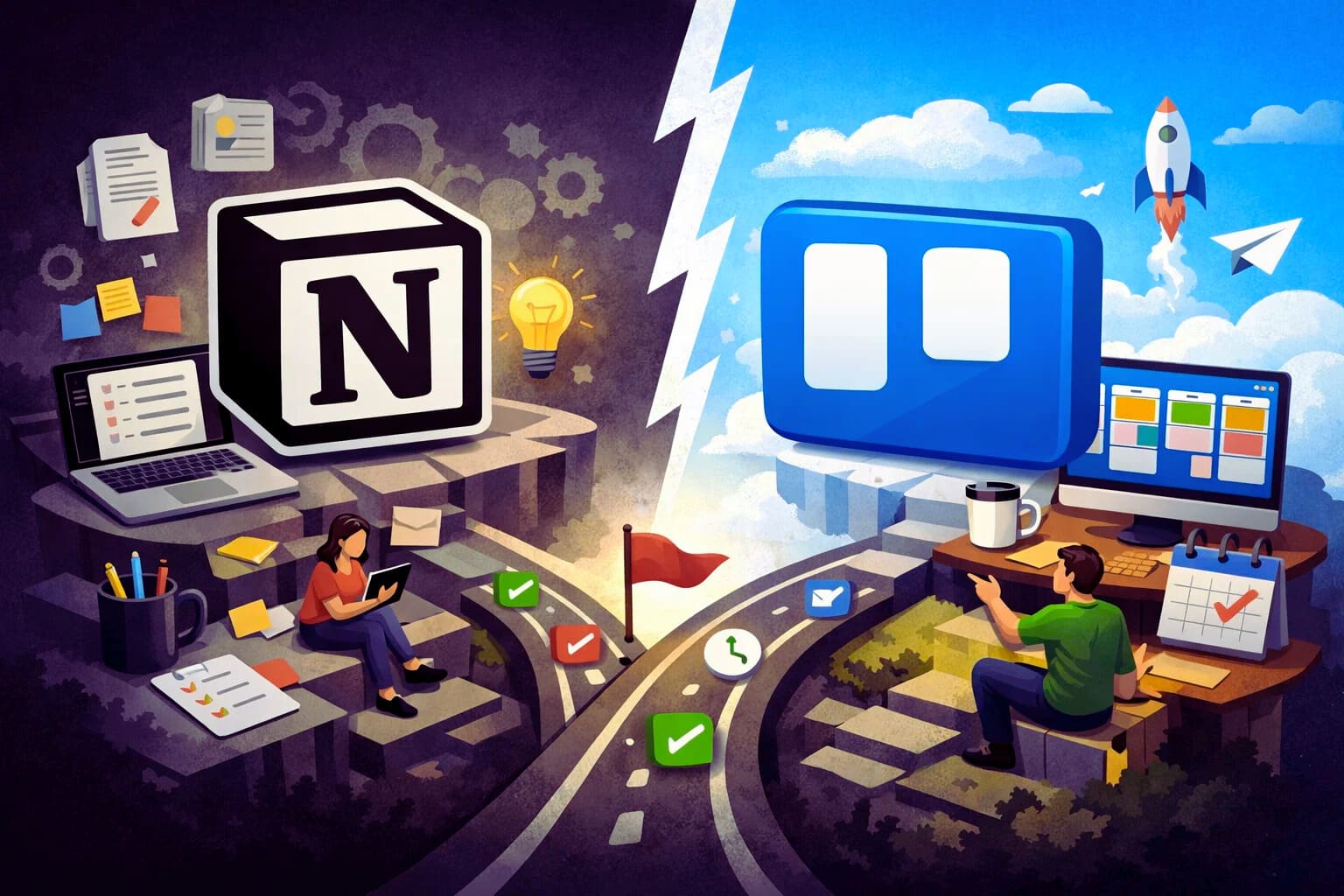
There is a particular kind of stress that comes with managing projects alone. No one to delegate to, no one to catch what you missed, and no buffer between you and the client when something slips through the cracks. The system you use to track your work is not just a convenience — it is your safety net.
Trello and Notion both position themselves as solutions to this problem. And both genuinely are, in different ways. But if you are a solo-entrepreneur trying to decide which one deserves a place in your workflow, the differences in how they handle project management are worth understanding in detail.
How Trello handles project management
Trello’s approach to project management is visual and linear. Everything lives on a board, every task is a card, and every card moves through columns that represent stages of progress. It mirrors the way a lot of people naturally think about work: something starts, something is in motion, something gets finished.
for solo-entrepreneurs managing client deliverables, content pipelines, or product launches, this structure works well because it is immediately readable. You open Trello and within seconds you know exactly where everything stands. There is no decoding required.
Each card in Trello can hold a surprising amount of information. You can add due dates, checklists, attachments, labels, and comments. You can connect cards to calendar views and timeline views if you are on a paid plan. For straightforward project tracking, this covers most of what a one-person business actually needs
Where Trello’s project management starts to feel limited is when your projects involve a lot of reference material. If a project requires detailed briefs, research notes, linked resources, and task tracking all in one place, you will find yourself switching between Trello and other tools constantly. The card format is great for task-level detail but was not built to hold the full context of a complex project.
How Notion handles project management
Notion approaches project management differently. Rather than giving you a fixed structure, it lets you build the structure that matches how your projects actually work.
a notion project page can hold everything: the brief, the task list, the timeline, the client notes, the linked assets, and the status updates all in one place. You can view the same set of tasks as a Kanban board, a table, a calendar, or a timeline depending on what you need in the moment. That flexibility is genuinely powerful for solo-entrepreneurs who manage projects with a lot of moving parts.
Notion also allows you to connect databases. That means your project tracker can pull from your client database, your content calendar can feed into your task list, and everything stays linked without manual duplication. Once this is set up properly, it creates a kind of operational clarity that is hard to replicate in simpler tools.
The challenge, again, is getting there. Building a Notion project management system from scratch takes time and some patience. The tool does not hand you a ready-made workflow. It hands you the pieces and trusts you to assemble them. For some people that is exciting. For others it is a reason to close the tab and go back to Trello.
Real-world scenarios: which tool fits which situation
It helps to think about this in terms of the kind of work you actually do.
If you are a freelance designer managing three to five client projects at a time, with clear deliverables and defined stages, Trello’s board system is a natural fit. The visual layout keeps things simple, and you can create a separate board for each client without things getting complicated.
If you are a content creator or online business owner juggling a content calendar, a product roadmap, a newsletter schedule, and client work simultaneously, Notion starts to make more sense. The ability to link all of those workstreams inside a single workspace reduces the mental overhead of jumping between tools.
If you are early in your business and still figuring out your workflow, Trello’s simplicity is an asset. You can build good project management habits without getting distracted by customization options.
What actually matters when you are working alone
Solo-entrepreneurs often make the mistake of choosing a tool based on features rather than fit. A tool with fifty features you will never use is not better than a tool with ten features you will use every single day.
The most important question is not which platform has more capabilities. It is which one you will actually open every morning and trust to hold your work.
Trello wins on immediacy and ease. Notion wins on depth and flexibility. Neither is objectively superior they are just built for different operating styles and different stages of business complexity.
Both tools also have pricing implications that go beyond the free plan, and for solo-entrepreneurs watching their overhead carefully, those differences add up. If you want to understand exactly what each platform charges and what you actually get for your money, the breakdown of Notion vs Trello pricing for solo-entrepreneurs is the next logical place to look.
About the Author

Norman
Tech enthusiast and SaaS strategist helping startups choose, build, and scale digital tools that drive real growth through automation and smart systems.
Did you find this helpful?
Your feedback helps us curate better content for the community.