
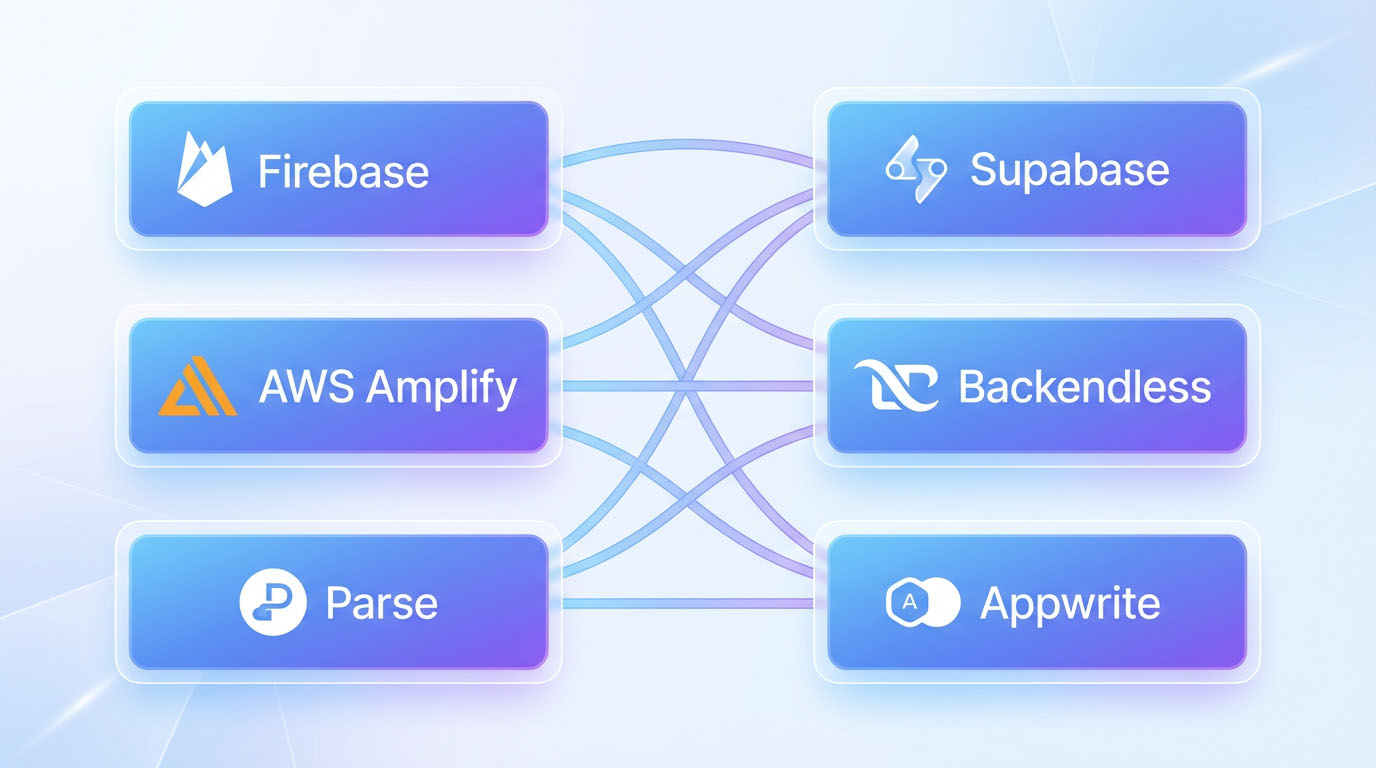
The Backend as a Service market has matured significantly, offering developers a diverse range of platforms with distinct strengths, pricing models, and philosophical approaches. Firebase dominates mobile development with its real-time database and Google ecosystem integration, while Supabase appeals to developers seeking an open-source PostgreSQL alternative. AWS Amplify brings enterprise-grade infrastructure, and emerging players continue introducing innovative features. Each platform targets different use cases, team sizes, and technical preferences. Choosing the right provider requires understanding not just feature checklists but also how each platform’s architecture aligns with your development workflow and long-term scalability needs, concepts we explore thoroughly in our foundational Backend as a Service guide.
Firebase: the mobile-first industry standard
Firebase, owned by Google, represents the most established and widely adopted BaaS platform. Originally focused on real-time database functionality, Firebase has evolved into a comprehensive suite of backend services tightly integrated with Google’s cloud infrastructure. The platform serves hundreds of thousands of applications, from indie projects to major consumer apps.
The core strength of Firebase lies in its real-time database and Firestore, a flexible NoSQL database designed for mobile and web applications. Data syncs automatically across devices in milliseconds, making Firebase ideal for chat applications, collaborative tools, and any scenario requiring instant updates. The offline capabilities are particularly robust—apps work seamlessly without connectivity, syncing changes when connection restores.
Firebase Authentication supports email/password, phone authentication, and social providers like Google, Facebook, and Apple with minimal configuration. The authentication integrates deeply with other Firebase services, providing automatic security rules for databases and storage. This tight integration simplifies security implementation significantly.
Cloud Functions for Firebase lets you write serverless backend logic in JavaScript or TypeScript. These functions respond to database changes, HTTP requests, authentication events, and scheduled tasks. The development experience is smooth, with local emulation and straightforward deployment. Performance can vary, but for most use cases, the latency is
Firebase pricing starts with a generous free tier suitable for development and small applications. The paid “Blaze” plan uses pay-as-you-go pricing for database operations, storage, and function executions. Costs remain reasonable for moderate usage but can escalate with heavy database reads or frequent function invocations. Understanding your usage patterns and monitoring costs is essential as you scale.
The platform’s main limitations stem from its NoSQL approach. Developers accustomed to relational databases and SQL queries face a learning curve. Complex queries requiring joins or aggregations can be challenging to implement efficiently in Firestore. The platform works best when your data model aligns with document-based storage patterns.
Firebase excels for mobile applications, real-time features, and projects benefiting from Google ecosystem integration. It’s particularly strong for solo developers and small teams who value comprehensive documentation, extensive community resources, and proven reliability at scale.
Supabase: the open-source PostgreSQL alternative
Supabase has emerged as a compelling Firebase alternative, built on PostgreSQL rather than NoSQL. The platform positions itself as “the open-source Firebase alternative,” offering developers familiar SQL databases, RESTful APIs, and the option to self-host everything. This approach appeals to developers who want BaaS convenience without vendor lock-in concerns.
The PostgreSQL foundation provides significant advantages. You work with a mature, powerful relational database supporting complex queries, joins, transactions, and all SQL features. For developers with SQL experience, this feels natural and removes the learning curve NoSQL platforms require. The database performance and reliability benefit from decades of PostgreSQL development and optimization.
Supabase automatically generates RESTful APIs from your database schema. Create a table, and immediately you have API endpoints for CRUD operations with built-in authentication and authorization. The auto-generated APIs follow conventions but remain customizable through PostgreSQL functions when you need custom logic.
Authentication in Supabase supports standard providers and integrates with PostgreSQL’s row-level security. You define security policies directly in the database, specifying exactly which users can access which rows. This database-level security provides fine-grained control and reduces security bugs common in application-layer authorization.
Real-time functionality, while not as mature as Firebase, continues improving. Supabase can broadcast database changes to connected clients using PostgreSQL’s replication features. The performance and reliability are catching up to Firebase, though not yet equivalent for extremely high-frequency updates.
The open-source nature means you can examine all code, contribute improvements, and self-host if needed. This transparency reduces vendor lock-in concerns—if Supabase changes direction or pricing, you can fork and host your own instance. Many companies use Supabase’s hosted platform initially, then self-host as they scale.
Supabase pricing is competitive, with a free tier supporting small projects and usage-based pricing for larger applications. The costs tend to be lower than Firebase for database-heavy applications, though direct comparison depends on specific usage patterns. The platform is still maturing, so some enterprise features lag behind more established providers.
Supabase works excellently for applications requiring relational data, developers comfortable with SQL, and projects where open-source principles and reduced vendor lock-in matter. It’s particularly appealing for web applications and projects that might eventually need self-hosting options.
AWS Amplify: enterprise-grade infrastructure
AWS Amplify represents Amazon’s entry into the BaaS market, bringing the full power of AWS infrastructure to application developers. Unlike standalone BaaS platforms, Amplify acts as a simplified interface to AWS services—DynamoDB for databases, Cognito for authentication, S3 for storage, Lambda for serverless functions, and more.
The platform’s strength lies in enterprise-grade infrastructure and deep AWS integration. Applications built with Amplify can easily incorporate any AWS service as needs evolve. You start with Amplify’s simplified interface, then add advanced AWS features when required. This scalability path is unmatched—companies using Amplify can grow to massive scale without platform migration.
Amplify provides both a command-line interface and visual studio for defining backend resources. You can configure authentication, databases, APIs, and hosting through these tools, which then provision and configure underlying AWS services automatically. The abstraction simplifies AWS complexity while maintaining access to full service capabilities.
GraphQL support through AWS AppSync is particularly strong. Amplify generates GraphQL APIs with real-time subscriptions, offline synchronization, and conflict resolution. For applications benefiting from GraphQL’s flexible querying, Amplify provides robust implementation with good performance characteristics.
The learning curve is steeper than simpler BaaS platforms. AWS’s complexity shows through even with Amplify’s abstraction. Developers need some understanding of AWS concepts, IAM permissions, and service configurations. Teams with AWS experience transition smoothly; those new to AWS face more initial friction.
Pricing follows standard AWS models—pay for each service consumed. This can be cost-effective for applications with predictable usage patterns but requires monitoring multiple service bills. The free tier is generous, and costs remain reasonable for many applications, though complex pricing calculations can be challenging.
AWS Amplify suits applications expecting enterprise scale, teams with AWS experience, and projects benefiting from deep AWS ecosystem integration. It’s particularly strong for organizations already using AWS for other infrastructure who want simplified application development while maintaining enterprise capabilities.
Appwrite: self-hosted open-source solution
Appwrite takes a different approach—a completely open-source BaaS platform designed primarily for self-hosting, though managed hosting exists. This gives developers maximum control over infrastructure, data residency, and customization while providing BaaS convenience.
The platform provides comprehensive backend services: databases, authentication, storage, functions, and real-time capabilities. Everything runs on your infrastructure—whether that’s a VPS, Kubernetes cluster, or traditional servers. You maintain complete control and visibility into every component.
Self-hosting appeals to specific scenarios: applications with strict data residency requirements, organizations with existing infrastructure investments, developers wanting maximum customization, or teams concerned about vendor lock-in. Appwrite provides BaaS productivity without cloud dependency.
The trade-off is operational responsibility. You manage backups, scaling, monitoring, and infrastructure maintenance. For teams with operations expertise or requirements justifying self-hosting, this works well. For solopreneurs or teams wanting to minimize operational overhead, managed BaaS platforms make more sense.
Appwrite’s pricing is effectively your infrastructure costs since the software is free. For applications with substantial usage, this can be extremely cost-effective compared to managed BaaS platforms. You’re paying for servers and bandwidth rather than per-operation pricing.
The platform works well for teams with operations capabilities, applications requiring on-premise or specific hosting, and projects where open-source principles and maximum control matter more than managed convenience.
Backendless: visual development focus
Backendless differentiates itself through visual development tools alongside traditional code-based development. The platform provides a visual database designer, API builder, and logic composer that let less technical users build backend functionality without writing code, while still supporting full programmatic access for developers.
This dual approach appeals to diverse teams where non-developers need to configure backend logic or solopreneurs with limited coding experience. The visual tools provide guardrails and speed initial development, with the option to drop into code for complex requirements.
The platform provides comprehensive features: relational and NoSQL databases, authentication, serverless functions, real-time messaging, and mobile SDKs. The feature set is competitive with major platforms, though the ecosystem and community are smaller than Firebase or AWS.
Pricing includes a free tier and several paid plans based on API calls, data storage, and features. The costs are reasonable for small to medium applications but can become expensive at scale compared to usage-based pricing from larger platforms.
Backendless suits teams with mixed technical skills, applications benefiting from visual development tools, and projects where rapid prototyping with less code matters. It’s less ideal for applications expecting massive scale or developers wanting bleeding-edge features.
Parse: the community-driven option
Parse, originally developed by Facebook, was discontinued as a hosted service but lives on as an open-source platform with strong community support. Multiple hosting providers offer managed Parse hosting, or you can self-host on your infrastructure.
The platform provides familiar BaaS features: databases, authentication, file storage, push notifications, and cloud functions. The API design is clean and well-documented, with SDKs for major platforms. Parse applications feel similar to other BaaS platforms in development experience.
The community-driven nature means Parse evolves based on contributor priorities rather than corporate roadmap. This can be both advantage and limitation—no single company controls direction, but feature development depends on community momentum.
Parse works well for applications with specific requirements that Parse handles well, teams comfortable with community-supported software, and projects where self-hosting with established, proven technology matters.
Choosing the right platform for your project
Selecting a BaaS provider requires matching platform strengths to your specific needs. Mobile-first applications with real-time requirements often favor Firebase. Projects valuing SQL databases and open-source principles lean toward Supabase. Applications needing enterprise AWS infrastructure benefit from Amplify. Teams requiring self-hosting consider Appwrite or Parse.
Consider your team’s existing skills and preferences. Developers comfortable with SQL will be more productive on Supabase than learning Firestore’s query patterns. Teams with AWS experience can leverage Amplify effectively. Solo developers might prefer Firebase’s comprehensive documentation and community resources.
Evaluate your long-term requirements and exit strategy. If vendor lock-in concerns you, prioritize open-source platforms or those using standard technologies. If you expect massive scale, consider platforms with proven performance at scale. If you’re testing ideas quickly, prioritize development speed and generous free tiers.
Many applications succeed on any major BaaS platform—the core functionality is similar across providers. The differences matter when specific features, pricing models, or philosophical approaches align strongly with your project characteristics. Understanding these distinctions helps you choose confidently, knowing your selection matches your technical needs and business goals rather than following trends or defaults.
About the Author

AISalah
AISalah bridges linguistics and technology at PointOfSaaS, exploring AI applications in business software. English Studies BA with hands-on back-end and ERP development experience.
Did you find this helpful?
Your feedback helps us curate better content for the community.