
Table of Contents
- Why Real-Time Features Changed User Expectations
- What Happens Behind the Scenes (Without Getting Technical)
- How Firebase Approaches Real-Time Sync
- How Supabase Handles Real-Time Sync
- Practical Considerations for Your App
- When Real-Time Sync Actually Matters
- Implementation Without Writing Complex Code
- Making Real-Time Work Reliably
Your users expect apps that react instantly—messages that appear the moment they’re sent, collaborative documents that update live, notifications that feel telepathic. That’s real-time sync, and it’s no longer a “nice-to-have” feature reserved for big tech companies with massive engineering teams. Modern backend-as-a-service platforms have made this magic accessible to first-time founders, handling the complex infrastructure so you can focus on building great experiences. As we explored in our guide to choosing the right mobile backend, real-time capabilities are now table stakes. This article shows you exactly how different platforms implement sync, what to watch out for, and how to deliver that instant-feel without hard-coding a single WebSocket.
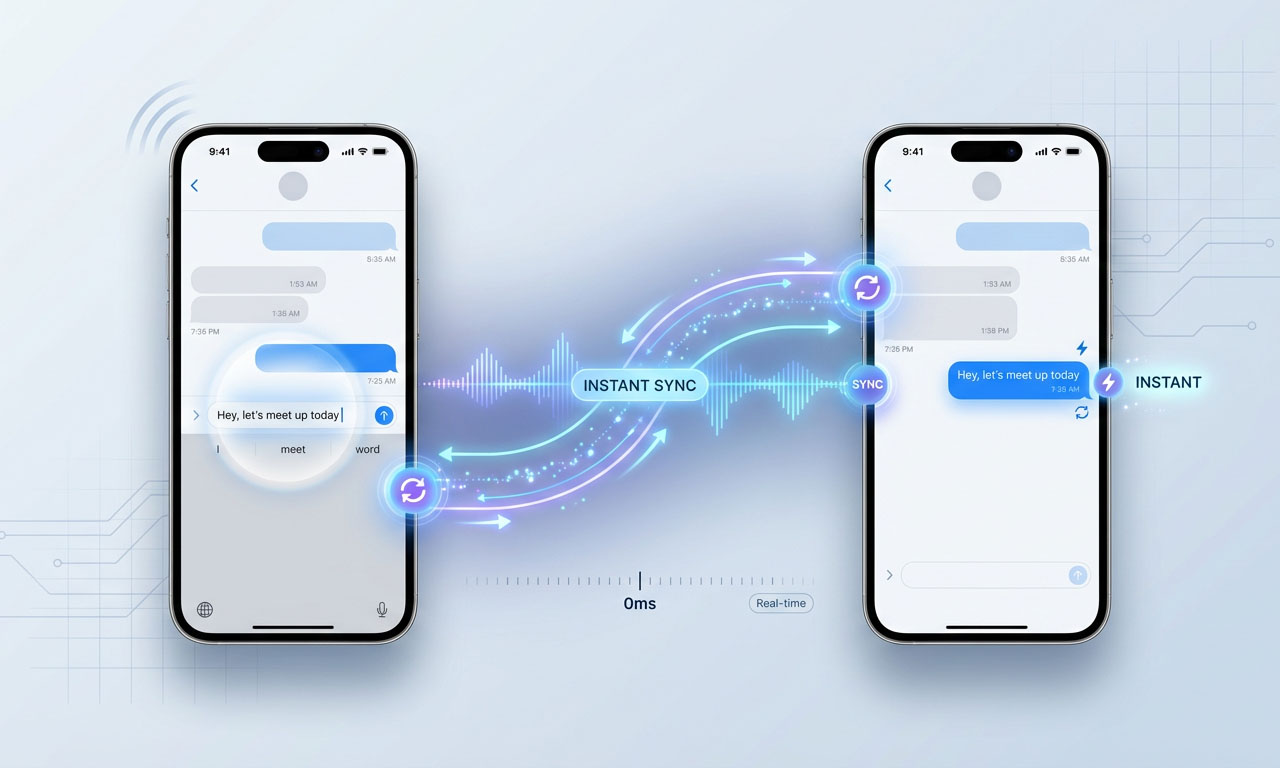
Your user types a message on their phone in New York. Another user in Tokyo sees it appear instantly, before the first user even hits send. No refresh button. No loading spinner. Just magic.
That’s real-time sync, and it’s no longer reserved for companies with massive engineering teams and server farms. Five years ago, building this required understanding WebSockets, managing connection states, handling conflicts when multiple users edited the same data, and debugging why messages sometimes arrived out of order.
Today, backend-as-a-service platforms handle all of that complexity. You focus on what data should sync and when. The platform manages the technical nightmare happening underneath.
But not all real-time implementations are created equal. Some feel genuinely instant. Others lag just enough to frustrate users. Some handle offline scenarios gracefully. Others crash when connection drops. Understanding how different platforms approach real-time sync helps you choose the right foundation for your app.
Why Real-Time features changed user expectations
Think about the apps you use daily. Google Docs shows what your collaborators are typing. Slack delivers messages the moment they’re sent. Uber shows your driver’s location moving in real-time. Notion updates pages as teammates make changes.
These experiences feel magical because they break the old request-response model of the internet. Users no longer trigger an action, wait, then see results. Actions and results happen simultaneously across all devices.
This shift in expectations creates a problem for founders. Users don’t consciously think “this app has good real-time sync.” They just notice when apps feel slow or broken. A messaging app that requires manual refresh feels dated. A collaborative tool where changes don’t appear immediately feels unreliable.
Real-time sync has moved from impressive feature to baseline expectation. But implementing it yourself remains genuinely difficult.
What happens behind the scenes (Without Getting Technical)
Real-time sync requires maintaining an open connection between your app and the server, kind of like keeping a phone call active instead of sending individual text messages. Traditional apps send a request, get a response, and close the connection. Real-time apps keep that channel open so the server can push updates whenever data changes.
This open connection is called a WebSocket. Think of it as a two-way tunnel where information flows continuously in both directions. When one user changes data, the server immediately sends that change through the tunnel to every other connected device.
The complexity comes from handling edge cases. What happens when someone’s connection drops mid-update? How do you prevent conflicts when two users edit the same field simultaneously? How do you batch updates efficiently so you’re not overwhelming devices with hundreds of tiny changes per second?
Modern backend platforms solve these problems with battle-tested systems. They manage connections, handle conflicts, queue updates when devices are offline, and merge changes intelligently when connectivity returns.
You tell the platform what data should sync in real-time. The platform handles everything else.
How Firebase approaches Real-Time sync
Firebase built its reputation on real-time capabilities. The original Firebase product, before Google acquired it, was specifically designed for real-time apps.
Firebase’s real-time database works like this: you subscribe to a piece of data, and Firebase automatically sends updates whenever that data changes. If you’re displaying a chat conversation, you subscribe to that conversation. When anyone adds a message, Firebase pushes it to all subscribed devices instantly.
The code is remarkably simple. You essentially tell Firebase “watch this data and notify me of changes.” Firebase handles the connection management, offline queuing, and conflict resolution. For straightforward scenarios, it just works.
Firebase’s approach shines for certain use cases. Messaging apps, collaborative whiteboards, live dashboards, multiplayer games, real-time notifications—these map perfectly to Firebase’s subscription model. You define what data each user should see, and Firebase keeps it synchronized automatically.
The limitation appears when you need selective updates or complex filtering. Firebase’s real-time listeners work at the document or collection level. If you subscribe to a collection of 1,000 items but only care about changes to items matching certain criteria, Firebase still sends you all changes. Your app then filters client-side.
For apps with simple data structures and clear subscription boundaries, this isn’t a problem. For apps with complex filtering needs or large datasets where only small subsets are relevant to each user, Firebase’s real-time system can become inefficient.
Firebase also handles offline scenarios elegantly. When a device loses connection, Firebase queues updates locally. When connection returns, Firebase merges local changes with server changes automatically. For most conflicts, Firebase uses a last-write-wins strategy, though you can implement custom conflict resolution if needed.
How Supabase handles Real-Time sync
Supabase took a different path to real-time, building on PostgreSQL’s native capabilities rather than creating a separate real-time system.
PostgreSQL has a feature called logical replication where the database broadcasts changes as they happen. Supabase built a real-time engine that listens to these database broadcasts and pushes them to connected clients through WebSockets.
This architecture means Supabase’s real-time sync works with your actual database, not a separate system. The same data structure you query with SQL can also push real-time updates. There’s no separate “real-time database” to think about.
Supabase’s real-time subscriptions can be incredibly specific. You can subscribe to:
- All changes in a table
- Changes to specific rows matching a filter
- Only inserts, only updates, or only deletes
- Changes affecting only certain columns
This granularity helps with efficiency. If you’re building a task management app and users only need updates for tasks assigned to them, you can subscribe specifically to their tasks. Supabase filters server-side and only sends relevant updates.
The tradeoff is setup complexity. Firebase’s real-time capabilities work immediately out of the box. Supabase requires enabling real-time for specific tables and configuring Row Level Security policies to control who sees what updates. This takes more initial configuration but provides more control.
Supabase’s offline support is less mature than Firebase’s. The platform provides client libraries that cache data and queue updates, but the offline experience requires more manual implementation. For apps where offline functionality is critical, this is worth considering carefully.
However, Supabase’s real-time system is evolving rapidly. The team ships improvements monthly, and the open-source nature means the community contributes features and fixes actively.
Practical considerations for your app
Real-time sync isn’t free, neither in terms of technical cost nor actual dollars. Every real-time connection consumes server resources. Every update pushed to clients uses bandwidth.
Firebase charges based on data transferred and database operations. Real-time features can trigger many small operations as data changes frequently. A chat app where users are constantly typing, a dashboard that updates every second, or a collaborative editor with multiple active users—these patterns increase costs proportionally.
Supabase’s pricing includes real-time connections in base tiers without per-operation charges. However, bandwidth costs apply when transferring data. If your real-time updates involve large payloads or affect many users simultaneously, bandwidth charges accumulate.
The performance characteristic that matters most is latency: how long between a change happening and users seeing the update. Both Firebase and Supabase typically deliver updates within 100-300 milliseconds under normal conditions. This feels instant to users.
Latency increases with geographic distance. A user in Australia connecting to a server in the US might experience 200-400ms delays, still acceptable for most use cases but noticeable in time-sensitive scenarios like gaming or live auctions.
Both platforms use global infrastructure to minimize latency. Firebase leverages Google’s worldwide network. Supabase offers regional deployments. Neither requires you to manage servers or configure load balancing.
When Real-Time sync actually matters
Not every feature needs real-time updates. Understanding when real-time sync genuinely improves user experience versus when it’s unnecessary overhead helps you build efficiently.
Real-time sync significantly enhances these scenarios:
Messaging and communication. Users expect messages to appear instantly without refreshing. Typing indicators, read receipts, and presence status all depend on real-time updates. This is where real-time sync is non-negotiable.
Collaborative editing. When multiple people work on the same document, spreadsheet, or design, seeing changes as they happen prevents conflicts and confusion. The alternative—users overwriting each other’s work—is unacceptable.
Live data displays. Dashboards showing current metrics, stock prices, sports scores, or system status need real-time updates to serve their purpose. Users checking stale data might make decisions based on outdated information.
Gaming and competitions. Multiplayer games, live quizzes, auctions, or any competitive scenario requires synchronization so all participants see the same state simultaneously.
Location tracking. Delivery apps, ride-sharing, or fleet management depends on real-time location updates to function properly.
Real-time sync is less critical for these scenarios:
User profiles and settings. These change infrequently and users don’t expect instant synchronization across devices. Loading the latest data when the app opens is sufficient.
Historical data and reports. Content that doesn’t change constantly gains nothing from real-time updates. Refreshing on-demand when users request it is more efficient.
Content feeds. Social feeds and news streams can use real-time sync for a premium experience, but manual refresh is acceptable. Many successful apps use “pull to refresh” for content updates.
The decision impacts both development complexity and ongoing costs. Implement real-time sync where it genuinely improves user experience. Use simpler request-response patterns elsewhere.
Implementation without writing complex code
The beauty of modern backend platforms is that implementing real-time sync requires minimal code on your part.
In Firebase, you create a reference to the data you want to watch and attach a listener. Firebase calls your listener function whenever the data changes. You update your UI with the new data. That’s it.
In Supabase, you create a subscription to a table or specific rows and provide a callback function. Supabase calls your function when matching data changes. You update your UI accordingly.
Both platforms handle the networking complexity, connection management, reconnection logic, and offline queuing automatically. Your code focuses on “what should happen when data changes” not “how to maintain WebSocket connections and handle network errors.”
The main implementation consideration is managing subscriptions efficiently. Each subscription consumes resources, so you want to subscribe only to data currently relevant to the user. When a user navigates away from a screen, unsubscribe from data they no longer need. When they return, resubscribe.
This lifecycle management—subscribing when screens appear, unsubscribing when they disappear—is the primary complexity you’ll encounter. The platforms themselves handle the hard technical challenges.
Making Real-Time work reliably
Real-time sync feels magical when it works and frustrating when it doesn’t. A few principles help ensure reliable performance.
Handle connection state explicitly. Show users when they’re offline or experiencing connectivity issues. Don’t let them make changes that appear to succeed but fail to sync. Firebase and Supabase both provide connection state callbacks you can use to update your UI.
Implement optimistic updates carefully. Optimistic updates mean showing changes immediately before confirming they saved successfully. This makes apps feel fast but requires handling failures gracefully. If a user sends a message and it fails to sync, you need to show that clearly.
Set reasonable expectations. Real-time sync is fast but not literally instantaneous. Design your UI to handle the 100-300ms reality gracefully. Typing indicators that lag slightly are fine. Actions that require perfect synchronization, like financial transactions, need additional confirmation mechanisms.
Test offline scenarios thoroughly. Users will lose connection. They’ll enter tunnels, board flights, and visit areas with poor coverage. Your app should queue changes locally and sync when connectivity returns. Both platforms support this, but you need to test it works as expected.
Real-time sync transforms how users experience your app, making interactions feel immediate and collaborative rather than stilted and isolated. Modern backend platforms have made this accessible to first-time founders without requiring deep technical expertise.
The key is choosing a platform whose real-time approach aligns with your app’s needs, implementing subscriptions thoughtfully, and handling edge cases like offline scenarios gracefully. Get this right and your app will feel polished and responsive. Get it wrong and users will notice the lag even if they can’t articulate why the experience feels off.
For more on keeping users engaged beyond real-time features, check out our guide to push notifications for mobile apps. Or return to our comprehensive founder’s guide to mobile backends to see how real-time capabilities fit into your overall platform decision.
About the Author

AISalah
AISalah bridges linguistics and technology at PointOfSaaS, exploring AI applications in business software. English Studies BA with hands-on back-end and ERP development experience.
Did you find this helpful?
Your feedback helps us curate better content for the community.