

Small businesses face unique challenges when managing growth. As operations expand, scattered tools and manual processes often create bottlenecks, errors, and lost opportunities. An ERP system centralizes finance, inventory, sales, and reporting, giving teams clarity and control. Yet, choosing the right ERP is not straightforward. Each system has strengths and limitations, and small businesses must balance cost, usability, and scalability. Understanding the landscape, along with how each system fits specific workflows, ensures smarter decisions and smoother implementation.
This guide compares the leading ERP systems for small businesses in 2025, helping entrepreneurs select a solution that fits both current operations and future growth. Each section also links naturally to deeper insights from industry-focused or cost-focused resources.
Top ERP Systems Overview
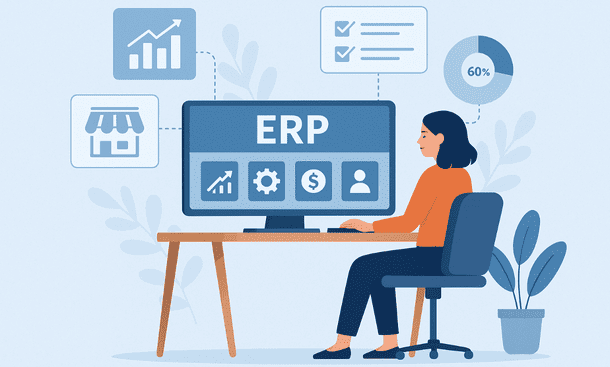
Several ERP systems cater to small businesses, but each behaves differently in real-world scenarios. Some prioritize flexibility and low cost, while others offer advanced features suitable for complex operations.
Odoo is a flexible platform with modular architecture. Small teams can start with invoicing and CRM, then gradually add inventory, accounting, or manufacturing modules. Its open-source foundation keeps initial costs low, while cloud options simplify maintenance. As modules increase, complexity grows, sometimes requiring consulting support for proper configuration. Still, its balance of cost, scalability, and feature depth makes it a strong choice for businesses expecting gradual growth.
Zoho ERP integrates smoothly with existing tools. Zoho Books, CRM, and Inventory work together seamlessly. It is ideal for service-based companies or light retail operations. The interface is friendly and intuitive, which reduces training time. While it is limited in handling complex workflows, it is perfect for teams seeking stability and predictability in daily operations.
Netsuite offers robust financial management, advanced reporting, and scalability for fast-growing companies. It supports sectors like manufacturing, distribution, and e-commerce. The trade-off is higher cost and longer implementation, often requiring external support. For entrepreneurs anticipating rapid expansion, Netsuite can be a strategic long-term investment.
SAP Business One provides reliability and depth, especially for accounting and inventory-heavy operations. It handles supply chain complexities and financial processes efficiently. While implementation requires technical support, structured businesses benefit from the precision and stability SAP delivers.
QuickBooks Enterprise bridges accounting software and ERP functionality. It offers inventory management, reporting, and user permissions for small retailers or light stock-based businesses. While not as flexible as Odoo or as powerful as Netsuite, it covers essential needs without overwhelming teams. Its main limitation is scalability for rapidly expanding businesses.
Each system excels under specific conditions. Small businesses should evaluate core needs, desired workflows, and growth plans before committing. For detailed cost considerations, the guide on ERP Cost for Small Business provides an in-depth look at pricing models, hidden fees, and total ownership costs.
ERP Cost for Small Businesses
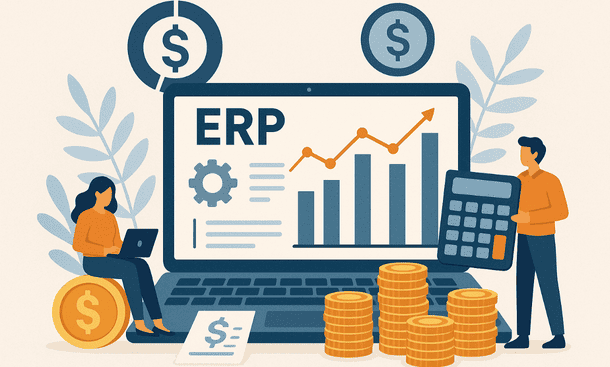
Understanding ERP cost is essential for small business planning. Many owners focus on the subscription price, but the total cost of ownership includes more than monthly fees. Implementation, training, integrations, and additional modules often add significant expenses. Being aware of these factors helps avoid surprises and supports smarter budgeting.
Cloud-based ERP solutions typically charge per user, per month, with tiered pricing based on features. Entry-level plans cover finance and basic operations, while mid-tier and premium plans include advanced reporting, automation, or industry-specific modules. On-premise systems require higher upfront investments, plus maintenance and hardware costs. For most small businesses, cloud ERP provides predictable monthly expenses and simplifies maintenance.
Implementation fees vary depending on workflow complexity. Companies with organized processes often pay less, while businesses with scattered data or multiple manual systems require more hours for setup. Training costs, though sometimes included, can rise if instructor-led sessions are needed. Proper onboarding accelerates adoption and reduces errors.
Additional considerations include the number of users, active modules, and integrations. Expanding beyond core features increases cost but often enhances operational efficiency. Many small business owners find that calculating the real cost alongside expected benefits provides clarity and guides selection.
For a complete pricing breakdown and practical examples, the satellite article on ERP Cost for Small Business offers insights into subscription models, hidden fees, and strategies to optimize spending.
Industry-Specific ERP Solutions
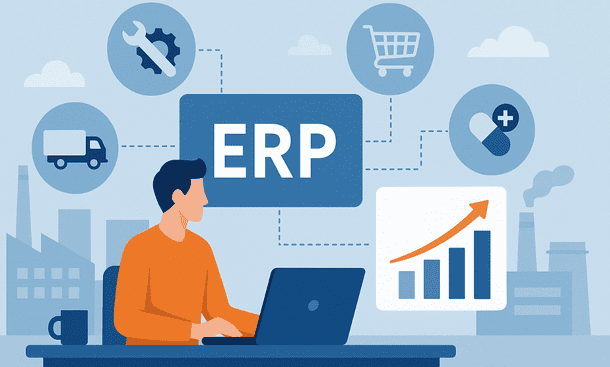
Not all small businesses operate the same way. Retailers, manufacturers, service providers, and distributors each have unique workflows that generic ERP systems may not fully support. Industry-specific ERP solutions address these differences by providing tailored modules, pre-configured workflows, and reports that align with sector requirements.
Retail businesses benefit from ERP that integrates point-of-sale, inventory management, and e-commerce platforms. Automated reordering, customer tracking, and multi-channel reporting reduce errors and improve customer experience. Manufacturers require production planning, bills of materials, quality control, and supply chain monitoring to minimize waste and optimize output. Service-based businesses gain efficiency through project tracking, resource allocation, and time billing modules, while distributors rely on inventory accuracy, logistics management, and order processing for smooth operations.
Selecting an ERP that matches industry workflows minimizes workarounds, accelerates adoption, and increases operational efficiency. Entrepreneurs can compare general system features with sector-focused functionality to identify solutions that provide the most immediate value. For detailed guidance on matching ERP features to specific industries, the satellite article on Industry-Specific ERP Solutions for Small Business Growth offers actionable insights and examples.
ERP Implementation Steps
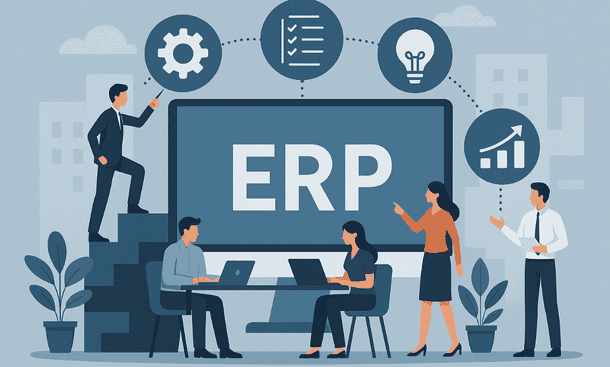
Successful ERP adoption requires a structured approach. Implementation touches finance, inventory, sales, and reporting, so careful planning ensures smooth operations and minimizes disruption. Small businesses often struggle when rushing setup without mapping workflows or preparing data. Following clear steps helps the team adapt faster and maximizes the system’s value.
The first step is defining objectives. Understand what the business wants to achieve—streamlined workflows, centralized reporting, or reduced manual tasks. Clear goals guide configuration choices and measure success. Next, map existing workflows to identify bottlenecks and critical processes. Proper mapping ensures the ERP aligns with actual operations rather than forcing teams into unfamiliar routines.
Data preparation is crucial. Clean, accurate records prevent errors during setup and testing. Choosing the right ERP vendor is the next step. Evaluate usability, support, scalability, and industry fit. Cloud-based solutions reduce IT overhead, while on-premise options offer more control but require internal resources.
Configuration involves setting up modules, user roles, and permissions based on workflows. Over-customization should be avoided to limit errors and simplify future updates. Training follows, with role-specific guidance to ensure every user understands their daily tasks. Finally, thorough testing and phased go-live reduce risks and provide an opportunity to refine the setup before full deployment.
For a practical, step-by-step guide on executing each phase efficiently, the satellite article ERP Implementation Steps: A Practical Small Business Guide offers detailed strategies and tips for small businesses.
Choosing the Right ERP System
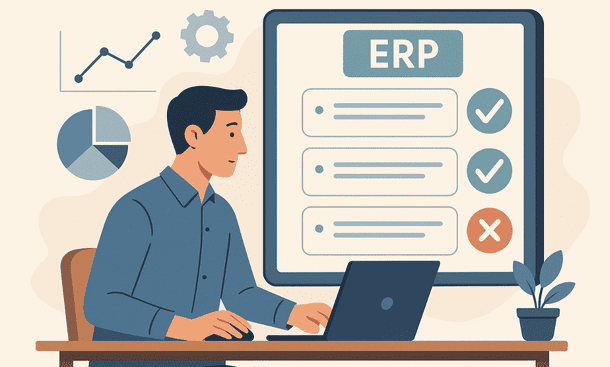
Selecting the right ERP system is a strategic decision that shapes how a small business operates. The goal is to find a platform that aligns with workflows, team capabilities, and growth plans rather than chasing every available feature. Clear priorities make evaluation simpler and adoption faster.
Start by defining core business needs. Determine which processes must be managed within the ERP, such as accounting, inventory, sales, or project tracking. Understanding pain points and desired outcomes prevents unnecessary complexity. Evaluate functionality versus usability. A system that covers essentials efficiently is often better than a feature-heavy platform that the team struggles to adopt.
Scalability and flexibility are critical. Small businesses need solutions that support more users, locations, and transactions as the company grows. Cloud-based ERPs often provide easy scalability, while on-premise options require careful planning. Ease of use is equally important. Intuitive dashboards, clear navigation, and role-based interfaces improve adoption and reduce training time.
Vendor support and reputation should guide the decision. Experienced providers with sector knowledge simplify implementation and ongoing operations. Total cost of ownership, including subscription fees, implementation, training, and integrations, must also be evaluated to ensure the ERP delivers long-term value.
For a deeper understanding of selection strategies and sector-specific considerations, the satellite article How to Choose an ERP for Your Small Business in 2025 provides actionable guidance for evaluating platforms effectively.
ERP Features Comparison and Recommendations
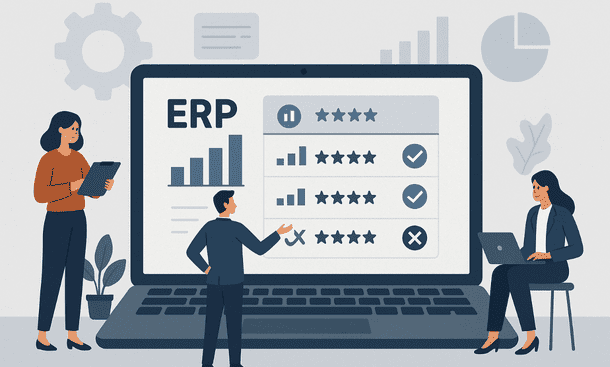
Choosing an ERP requires understanding which features provide real value for small business operations. Core modules like accounting, inventory, sales, and reporting form the foundation, but additional functionalities often determine efficiency and growth potential. Comparing systems based on features, usability, and adaptability helps entrepreneurs select the best fit.
Accounting and finance modules should simplify bookkeeping, automate invoicing, and generate clear reports. Inventory management must track stock levels in real-time, handle multiple locations, and integrate with sales channels. Sales and CRM tools improve customer engagement, manage leads, and streamline order processing. Advanced reporting and dashboards allow business owners to monitor performance, identify trends, and make informed decisions.
Industry-specific functionalities add further value. Retailers benefit from POS integration and loyalty programs, manufacturers from production planning and quality control, service providers from project tracking, and distributors from logistics and order management. Automation of repetitive tasks reduces errors and frees the team to focus on strategic activities.
When evaluating ERPs, weigh feature depth against usability. A system with advanced capabilities is only effective if the team can adopt it smoothly. Cost, scalability, and vendor support also influence the long-term success of the investment. Balancing these factors ensures that the ERP supports daily operations, adapts to growth, and provides actionable insights.
For guidance on selecting a system tailored to your workflows and business objectives, the satellite article How to Choose an ERP for Your Small Business in 2025 offers step-by-step advice and evaluation criteria.
Selecting the right ERP system for a small business is both strategic and operational. The process involves evaluating top platforms, understanding costs, considering industry-specific needs, planning implementation, and choosing features that align with current and future workflows. A well-chosen ERP centralizes operations, reduces errors, and provides actionable insights that support growth.
Small business owners benefit from comparing systems across multiple dimensions—usability, scalability, vendor support, and total cost of ownership. Following structured implementation steps ensures smooth adoption and maximizes value. Industry-specific considerations further optimize efficiency and align software with sector workflows.
For entrepreneurs seeking practical, step-by-step guidance on implementing an ERP effectively, the satellite article ERP Implementation Steps: A Practical Small Business Guide offers actionable strategies to ensure successful deployment and adoption.
About the Author

mike
Mike is a tech enthusiast passionate about SaaS innovation and digital growth. He explores emerging technologies and helps businesses scale through smart software solutions.
Did you find this helpful?
Your feedback helps us curate better content for the community.