
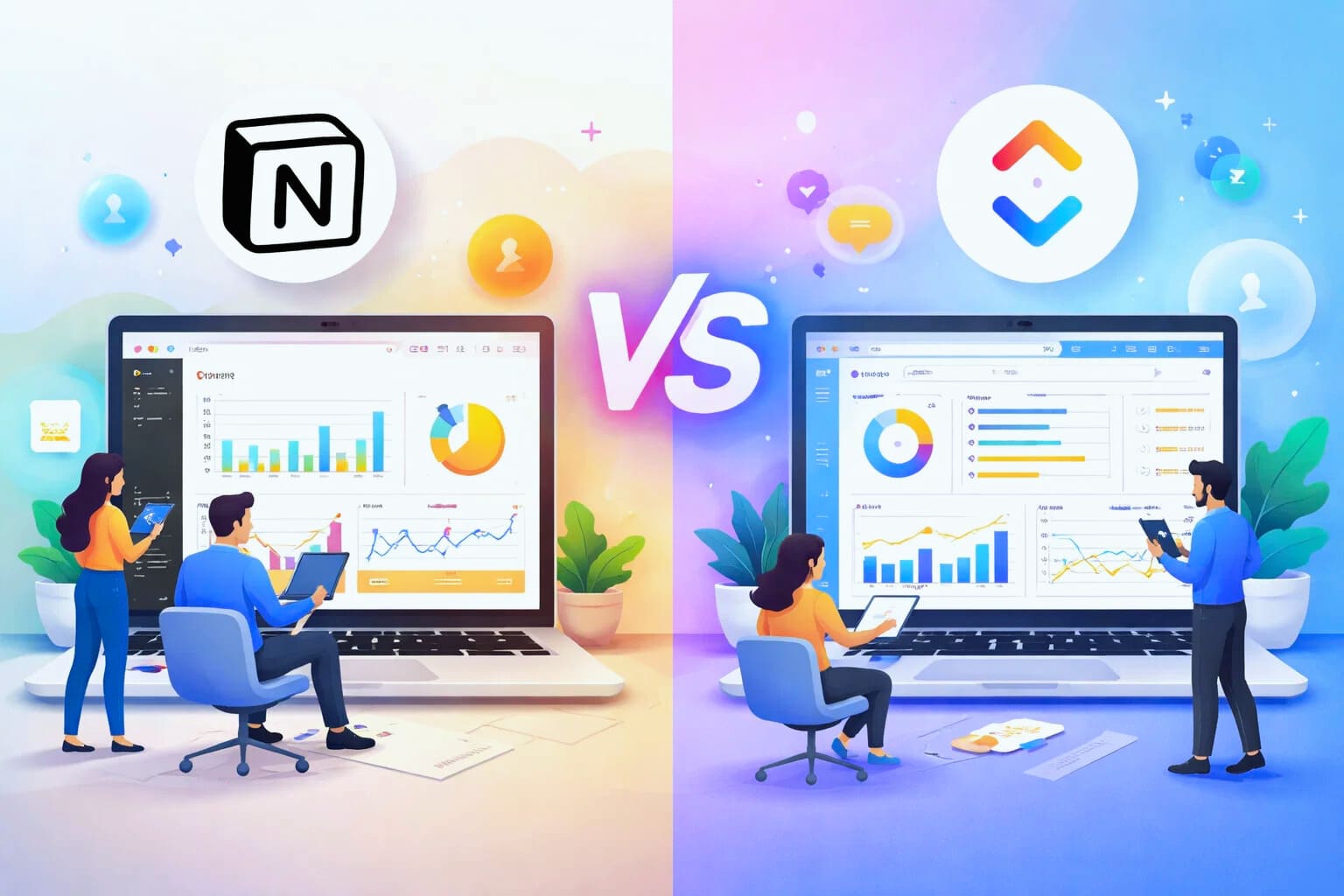
Dashboards are where strategy meets reality. as an SEO strategist, I do not just plan work. I track it. I need to see what is moving, what is blocked, and what is delivering results. Dashboards help turn scattered tasks into a clear picture. Notion and ClickUp both offer dashboards, but they serve different types of thinking.
Dashboards in Notion
Notion dashboards are built manually. You start with a blank page and add blocks. Databases, filtered views, tables, lists, charts through embeds, and text explanations all live together
This makes Notion feel like a control room. You can design a dashboard that shows content pipelines, keyword research, editorial calendars, and notes in one place. Everything is customizable. Fonts, spacing, layout, and structure are under your control.
For solo creators and strategists, this is satisfying. You are not just seeing data. You are telling a story with it. a Notion dashboard often feels like a living document rather than a reporting tool.
limitations of Notion reporting
The main limitation is automation and real-time insight. Notion does not have advanced native reporting. There are no built-in performance charts for task completion rates, team velocity, or workload distribution.
You can simulate reports using filtered databases, but it requires setup and maintenance. If a property changes or a database grows, dashboards can become cluttered or slow.
Another challenge is team visibility. Each dashboard is usually personal. Sharing is possible but there is no strong concept of role based reporting.
ClickUp dashboards explained
ClickUp dashboards are designed for reporting first. You choose widgets instead of blocks. Each widget pulls live data from tasks, lists, folders, or spaces.
You can add charts for task status, time tracking, priorities, workload, and due dates. These dashboards update automatically as work happens. No manual refresh is needed
For teams, this is powerful. A manager can open one dashboard and immediately understand progress across multiple projects. An SEO lead can see content velocity, bottlenecks, and deadlines at a glance.
real-time performance tracking
ClickUp shines when it comes to operational metrics, You can track how long tasks stay in review, how many tasks are overdue, and how work is distributed across the team.
This is difficult to replicate in Notion without heavy customization or external tools. ClickUp treats reporting as a core feature, not an add-on.
dashboards for different roles
Notion dashboards are often personal or strategic. Writers, researchers, and planners benefit most. They combine thinking and tracking in one space.
ClickUp dashboards are role based. Executives see high-level progress. Managers see workload and deadlines. Contributors see their personal tasks. This separation reduces noise and improves focus.
customization versus consistency
Notion offers infinite customization but little structure. ClickUp offers structure with limited customization.
In Notion, no two dashboards look the same. This is creative but risky for teams. In ClickUp, dashboards follow predictable patterns. This makes onboarding easier and reporting more consistent.
visual clarity and decision making
ClickUp dashboards are visually clear. Charts, numbers, and progress bars are easy to scan. Decisions are faster.
Notion dashboards require reading. They reward deep thinking rather than quick judgment. This is not a flaw. It simply serves a different purpose
scalability of reporting
As teams grow, reporting needs change. What worked for five people breaks at twenty.
Notion dashboards can struggle at scale. Pages become heavy Permissions become complex. Performance can slow down.
ClickUp is built for scale. Dashboards remain fast even with thousands of tasks. Permissions are clearer. Reporting remains consistent.
Choosing the right dashboard tool
If you want a thinking space that combines notes, planning, and light tracking, Notion dashboards feel natural. If you want operational clarity and performance monitoring, ClickUp dashboards save time and reduce friction.
In my own workflow, I plan strategy in Notion and track execution in ClickUp. One answers why The other answers how fast and how well.
Dashboards are closely connected to collaboration. If you want to understand how teams communicate and work together inside each tool, continue with Notion vs ClickUp collaboration and team management.
About the Author

Norman
Tech enthusiast and SaaS strategist helping startups choose, build, and scale digital tools that drive real growth through automation and smart systems.
Did you find this helpful?
Your feedback helps us curate better content for the community.