
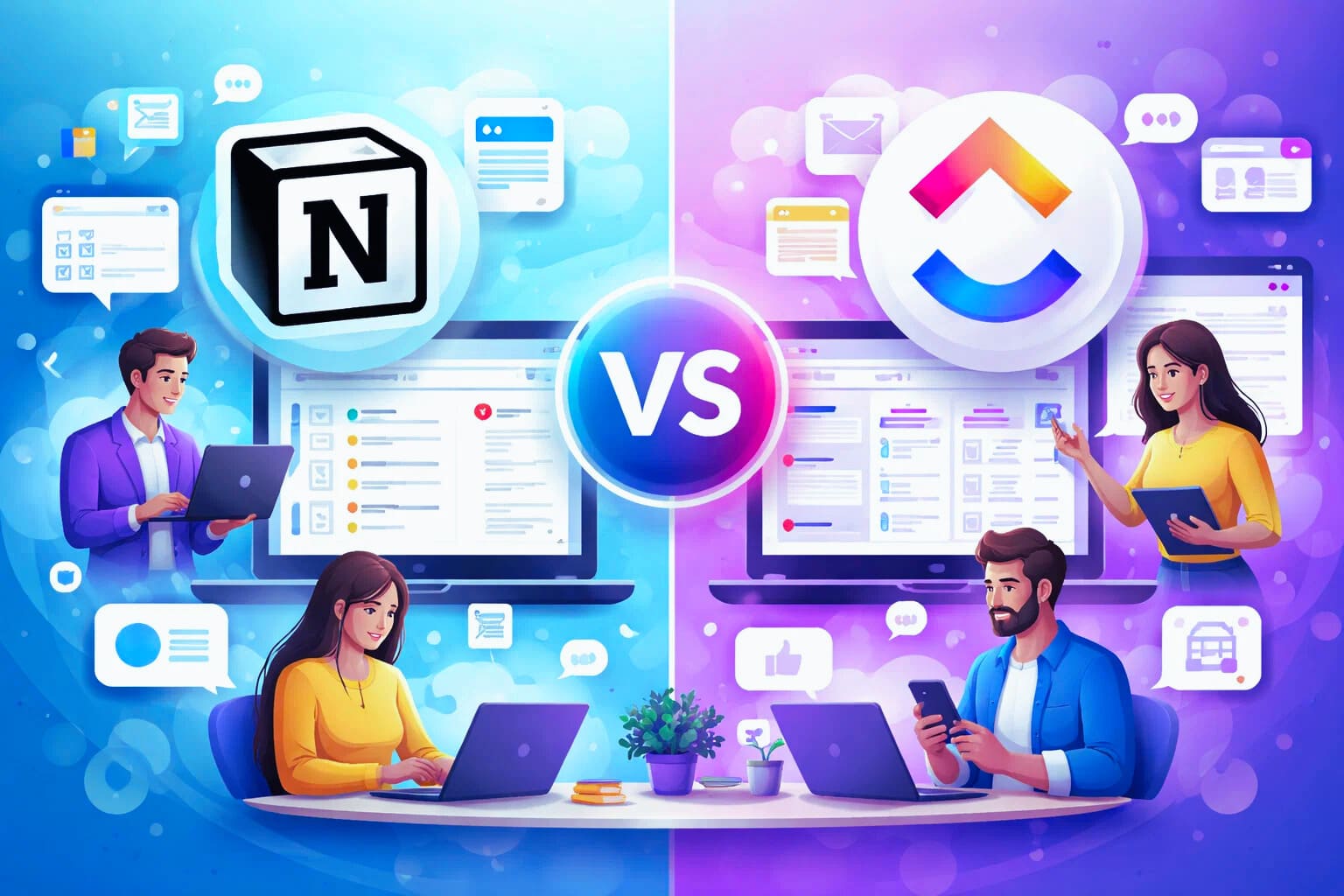
Collaboration is not just about sharing tasks. It is about how teams think together, document decisions, and stay aligned over time, I have worked with both Notion and ClickUp in SaaS projects, content teams, and small startups. the difference between them becomes obvious once a team grows beyond two or three people
How Notion handles collaboration
Notion is built around shared knowledge. Pages are the core unit. Teams collaborate by writing, commenting, and editing in real time. It feels close to working in a shared notebook or a digital library.
You can mention teammates, leave comments on specific blocks, and track page history. This makes Notion very strong for documentation, strategy, product specs, and long-term thinking. For teams that value clarity of thought and written communication, this environment feels natural.
The challenge appears when collaboration becomes time-sensitive. Comments can be missed. Action items are not always clear. If a team does not actively convert notes into tasks, decisions may stay trapped inside documents.
how ClickUp handles collaboration
ClickUp treats collaboration as part of execution. Conversations are attached directly to tasks, subtasks, and projects. When someone comments, assigns work, or changes a status, everyone involved gets notified
This creates a tighter feedback loop. Discussions are shorter, more focused, and tied to outcomes. You do not debate ideas endlessly inside pages. You discuss them where the work happens.
ClickUp also includes built-in chat, activity streams, and real-time updates. For fast-moving teams, this reduces friction and keeps momentum high.
documentation versus action
One key difference is where knowledge lives. In Notion, knowledge is central and actions come second. In ClickUp, actions are central and knowledge supports them.
Notion shines when teams need space to explore ideas, write deeply and build internal wikis. ClickUp shines when teams need to move quickly, coordinate tasks, and avoid ambiguity about responsibilities.
Async communication styles
Remote and async teams rely heavily on written communication. Notion supports long-form async thinking. You can write detailed proposals, meeting notes, and product roadmaps that stay relevant months later.
ClickUp supports short-form async updates. Status changes, task comments, and quick mentions replace long documents. This works well for operational teams but may feel limiting for strategic planning
managing team alignment
Alignment depends on visibility. Notion requires intentional structure. If pages are not organized and reviewed regularly, people may work from outdated information.
ClickUp provides automatic alignment through dashboards and task views. Managers can see progress instantly without asking for updates. This reduces meetings but can feel rigid for creative teams.
which collaboration style fits your team
If your team values writing, reflection, and knowledge sharing, Notion will feel like home If your team values speed, accountability, and execution, ClickUp will feel more natural.
In practice, many SaaS teams use both. Notion for documentation and ClickUp for delivery. The key is understanding the primary collaboration need and choosing the tool that supports it best.
If collaboration is clear, the next logical question is how automation and workflows impact productivity. You may find it useful to read Notion vs ClickUp automation and workflow management to see how each tool handles repetitive work and scaling processes.
About the Author

Norman
Tech enthusiast and SaaS strategist helping startups choose, build, and scale digital tools that drive real growth through automation and smart systems.
Did you find this helpful?
Your feedback helps us curate better content for the community.