

ERP systems are often seen as complex tools reserved for large corporations. Many entrepreneurs assume that managing a small business with spreadsheets and standalone apps is enough. In reality, ERP can transform operations, improve decision making, and free time for growth, even for smaller teams. Understanding the hidden benefits and the right approach can save years of trial and error. This guide explores the essential concepts every entrepreneur should know, showing how ERP works in practice, what features matter, and how to maximize its value.
Why ERP Matters for Small Business Owners
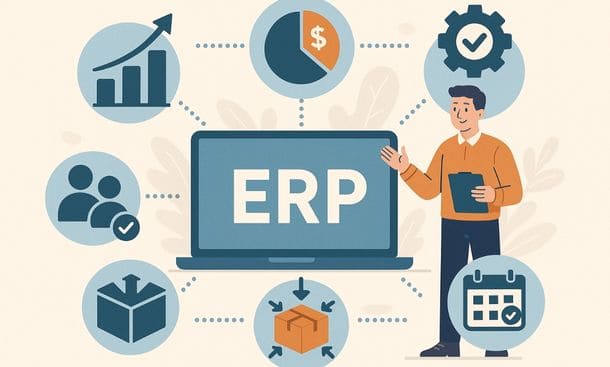
Running a small business involves juggling multiple responsibilities at once. Sales, inventory, finances, and customer interactions all compete for attention. Without a structured system, mistakes and delays are common. ERP creates a unified environment where information flows seamlessly between departments. This leads to faster operations, fewer errors, and a clearer picture of the business’s health.
Small business owners often notice immediate benefits. Stock levels become transparent. Invoices are processed more accurately. Teams communicate more efficiently because everyone accesses the same data. These changes translate into tangible outcomes, such as time saved and customer satisfaction improved.
Investing in ERP early also sets a foundation for growth. As operations expand, processes that were once manageable with simple tools can become bottlenecks. A well-implemented ERP prevents this by offering scalable solutions that grow with the company.
Entrepreneurs who want to dive deeper into the specific advantages often find value in understanding the top benefits of ERP for small business owners, which highlights the operational, financial, and customer experience improvements that make ERP a practical investment.
Essential ERP Features Every Small Business Needs
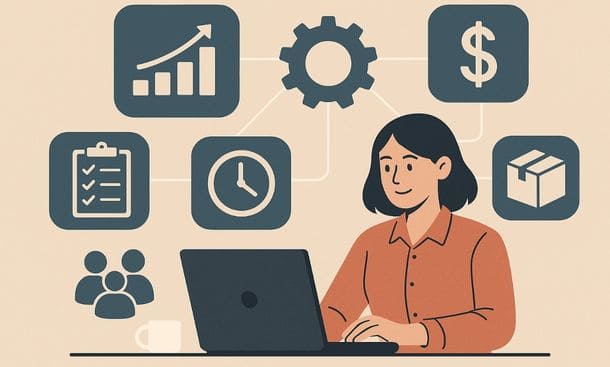
Choosing the right ERP features can make the difference between a system that supports growth and one that creates frustration. Not all modules are necessary at first. The key is to focus on functionality that aligns with daily operations and long-term goals.
Centralized data management is the foundation. When orders, customer information, and financial records live in one place, teams work more efficiently. Duplicate entries and conflicting data disappear. Inventory tracking ensures stock levels are accurate, reducing shortages or overstocking. Financial and accounting tools provide visibility into cash flow and profitability, making planning easier.
Sales and customer management modules strengthen relationships. Teams can access purchase history, preferences, and communication logs instantly, which improves service and retention. Workflow automation removes repetitive tasks such as invoice generation or order confirmations, saving time and reducing errors. Reporting and analytics transform raw data into actionable insights, helping leaders make informed decisions.
Small businesses also benefit from integrations with existing tools and user-friendly interfaces, which increase adoption. Scalability ensures the ERP grows with the business, while security features protect sensitive information. For a deeper look at which features are essential, reviewing essential ERP features every small business needs provides practical guidance on building a system that fits a small team perfectly.
Cloud ERP vs On-Premise: Choosing the Right Model
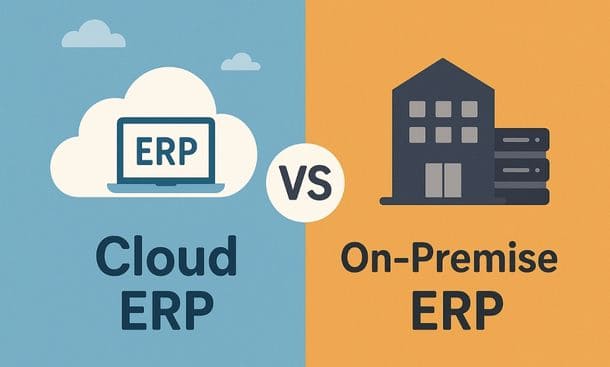
One of the first strategic decisions is deciding between cloud ERP and on-premise deployment. Each option has strengths and trade-offs that affect cost, flexibility, and long-term scalability.
Cloud ERP operates on remote servers managed by the provider. It allows access from any device with an internet connection, simplifies maintenance, and ensures updates are handled automatically. This model often reduces upfront costs, supports remote teams, and scales easily as the business grows. Security measures, backups, and compliance are typically managed professionally, relieving small businesses from complex IT responsibilities.
On-premise ERP is hosted on local servers, giving full control over data and customization. It suits businesses with strict regulatory requirements or highly specialized workflows. However, it demands higher initial investment, ongoing maintenance, and technical expertise. Remote access can require additional configuration, which may reduce flexibility compared to cloud solutions.
Choosing the right model depends on your business priorities. Cloud ERP often benefits small and growing businesses due to its lower entry barriers and mobility, while on-premise ERP offers deeper control for those with specific compliance or customization needs. Entrepreneurs looking for practical comparisons and guidance can explore cloud ERP vs on-premise, which highlights real-world scenarios to help determine the best approach.
ERP Implementation Steps for a Smooth Transition
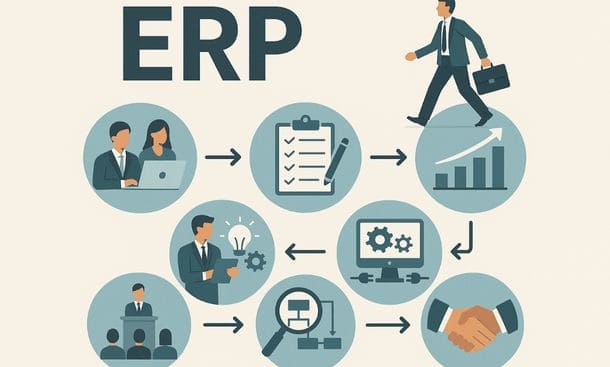
A successful ERP rollout begins with careful planning and structured execution. Small businesses often underestimate the effort required to move from existing tools to a unified system. Clear steps reduce disruption and ensure the team adopts the system effectively.
Start by defining goals that address real business challenges. Identify which processes need improvement, such as order accuracy, inventory management, or financial reporting. Clear objectives guide configuration and training decisions.
Next, build a project team with ownership across key departments, including operations, finance, and IT. Shared responsibility ensures faster problem solving and better alignment during setup. Mapping existing workflows before configuring the ERP helps identify inefficiencies, remove redundant tasks, and design a system that reflects actual operations.
Implement the system in controlled phases, beginning with core modules like inventory, finance, and order management. Gradually add advanced features to avoid overwhelming users. Practical training using real company scenarios accelerates adoption, while hands-on practice allows employees to gain confidence in a safe environment.
Tracking early performance is critical. Monitor efficiency, errors, and user engagement to make timely adjustments. Establishing ongoing habits, such as data reviews and periodic updates, ensures the ERP remains aligned with evolving business needs. Entrepreneurs seeking actionable guidance can reference ERP implementation steps for a smooth transition, which outlines the process in practical, manageable phases.
ERP User Training Strategies That Boost Adoption
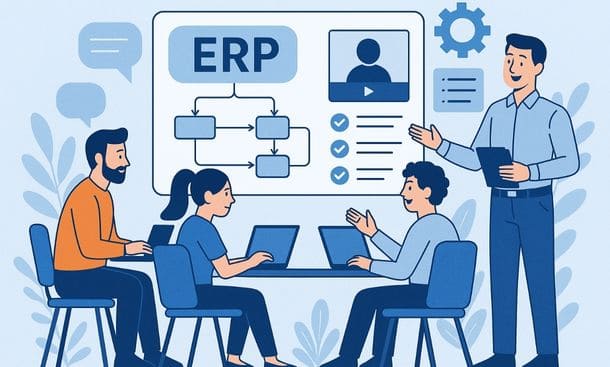
Even the best ERP system fails if users do not adopt it properly. Training is essential to ensure employees understand workflows, trust the system, and use it consistently.
Effective training begins with short, focused sessions that respect how people learn. Role-specific instruction ensures each team member receives guidance relevant to daily tasks. Finance, sales, inventory, and operations teams benefit from tailored content, which increases engagement and retention.
Using real company scenarios rather than generic examples helps users connect the ERP to their actual work. Practicing with live data or sandbox environments allows employees to make mistakes safely, build confidence, and internalize processes. Supporting training with simple, accessible resources like quick reference guides or short videos reinforces learning and encourages independent problem-solving.
Creating a culture where training is ongoing rather than one-time ensures long-term adoption. Encouraging internal champions who mentor peers, combined with hands-on practice and frequent follow-up sessions, strengthens usage across the organization. Metrics for adoption should be tracked to identify gaps early and guide continuous improvement.
For entrepreneurs seeking practical techniques to drive successful ERP adoption, exploring ERP user training strategies that boost adoption provides step-by-step insights to build confidence, reduce errors, and maximize system value.
Measuring ERP ROI With The Right KPIs
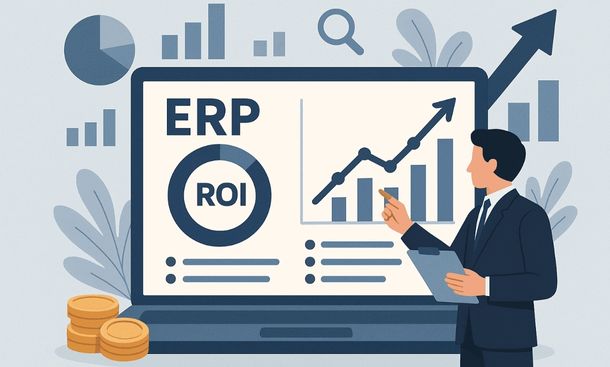
Investing in an ERP system requires understanding its impact on the business. Measuring ROI ensures the system delivers tangible value in efficiency, accuracy, and growth potential.
Start by defining what success looks like for your business. Efficiency gains, data accuracy, financial improvements, and user adoption are key indicators. Track time savings in daily operations, reductions in errors, and improvements in order processing or inventory management. Financial metrics such as cost reductions, improved cash flow, and lower stock carrying costs reveal whether the investment strengthens the bottom line.
Customer experience is another critical area. Accurate orders, timely delivery, and faster response times increase satisfaction and loyalty. Adoption metrics, including frequency of use and completion of workflows, show whether employees trust and consistently use the system. Creating a simple dashboard to track these KPIs makes it easier to monitor progress and identify areas for adjustment.
Regular reviews of these metrics help ensure the ERP continues to support growth and adapt to evolving business needs. Entrepreneurs who want detailed guidance on tracking and interpreting these indicators can explore measuring ERP ROI with the right KPIs, which offers practical approaches for maximizing the value of the system.
ERP systems are powerful tools that can transform how small businesses operate, but their benefits are often overlooked without a structured approach. From understanding why ERP matters, selecting essential features, and choosing the right deployment model, to implementing the system smoothly, training users effectively, and measuring ROI with relevant KPIs, every step contributes to long-term success.
Entrepreneurs who apply these principles create clarity, reduce errors, and free time for strategic growth. Continuous attention to adoption and metrics ensures the system evolves with the business, providing both stability and flexibility. For practical guidance on immediate operational improvements, exploring essential ERP features every small business needs offers actionable insights that enhance efficiency and value from day one.
About the Author

mike
Mike is a tech enthusiast passionate about SaaS innovation and digital growth. He explores emerging technologies and helps businesses scale through smart software solutions.
Did you find this helpful?
Your feedback helps us curate better content for the community.